
Patient leaflets, films and translations your team can approve in a day.
Start from 413 templates written from NHS and NICE guidance. Add your hospital’s details, get sign-off from a named clinician, then print it, send it to patients’ phones or link a captioned film.
The demo runs in your browser. No account needed.
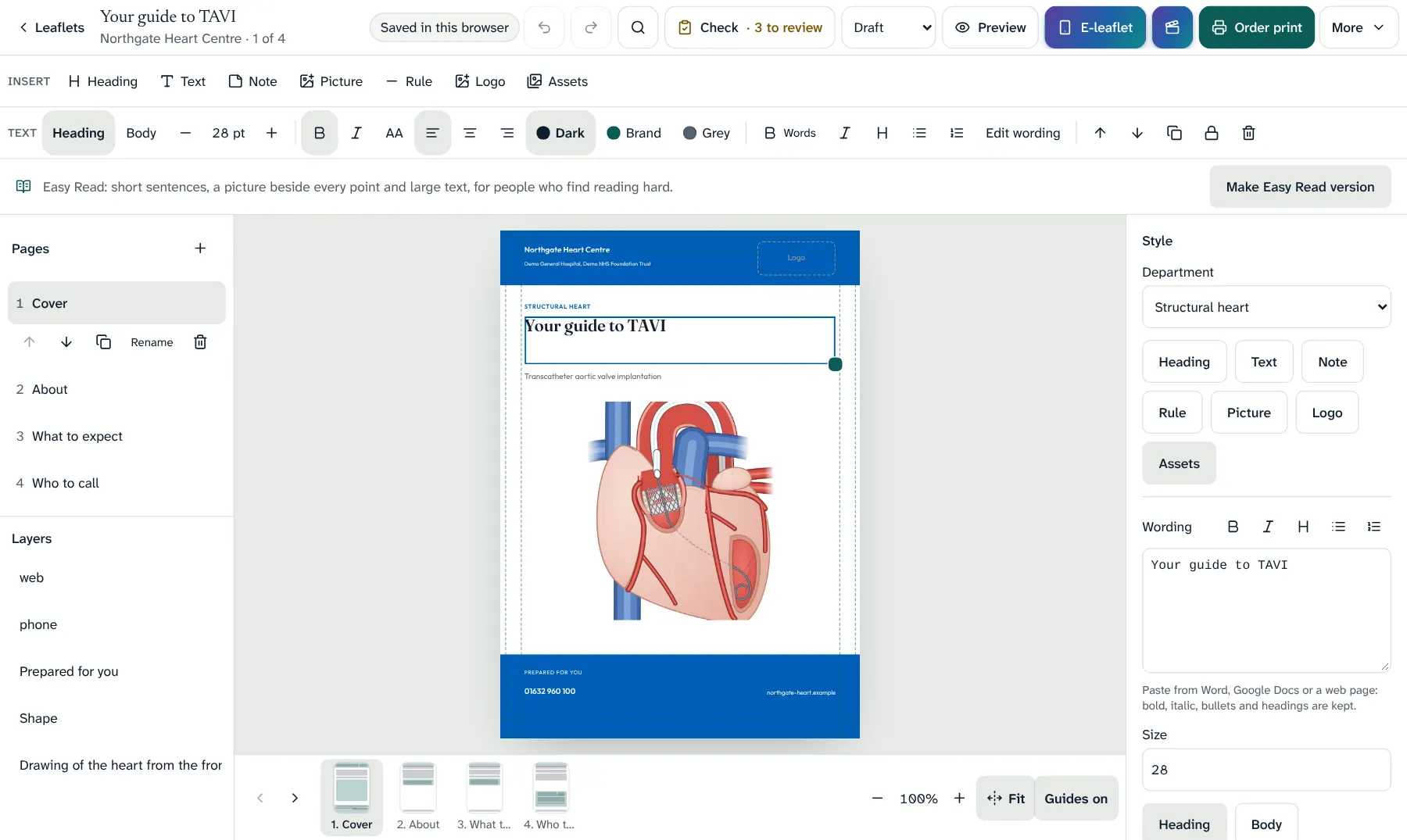
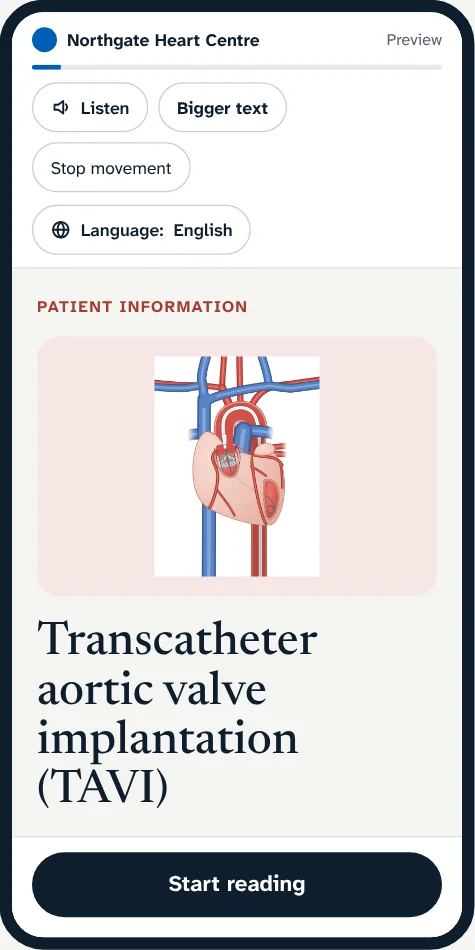
How a leaflet gets to your patients
Step 1: Choose a template
Search 413 templates across 34 specialties. Each one opens as a finished leaflet in your centre’s colours.
Step 2: Edit and brand
Change any wording and add pictures. Set your logo, phone numbers and address once in the brand kit. The leaflet check flags problems before review.
Step 3: Clinician approves
Submit it for review. A named approval officer signs it off, and the leaflet gets a reference, a version and a review date.
Step 4: Print, e-leaflet, QR and film
Order printed copies, email an e-leaflet to the patient, and print QR codes that open the latest version and the patient film.
What you get
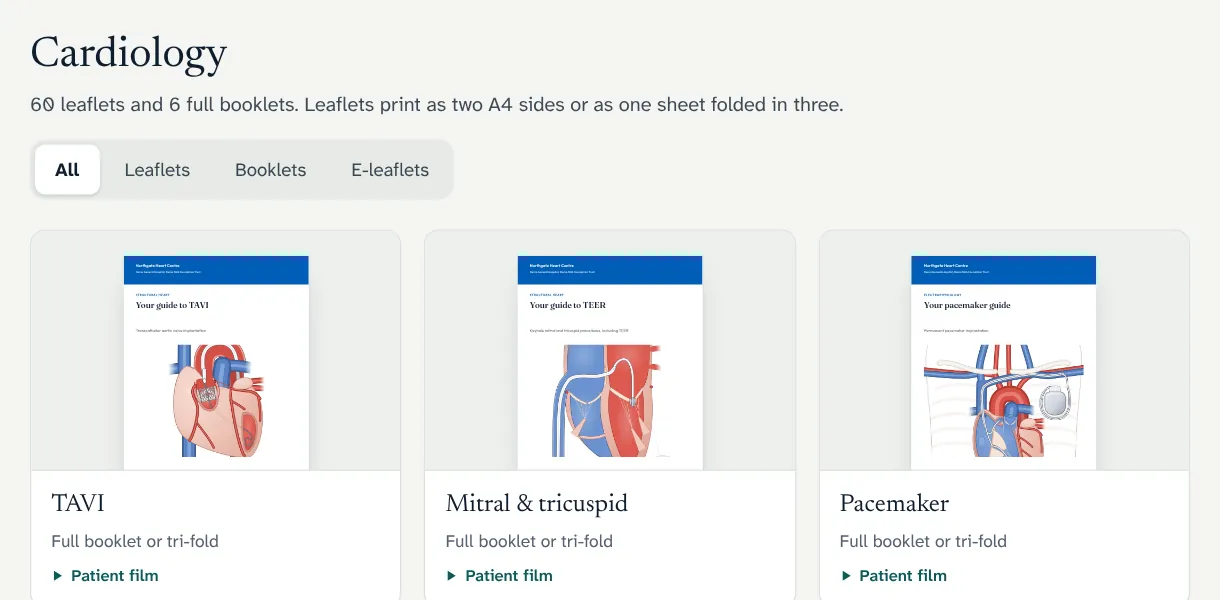
413 templates, already in your colours
Every template is written in plain English from NHS and NICE guidance and lists the sources it came from. There are 34 specialties, from cardiology and surgery to maternity, mental health and palliative care.
Open one and it’s already a real leaflet with your logo, colours and phone numbers.
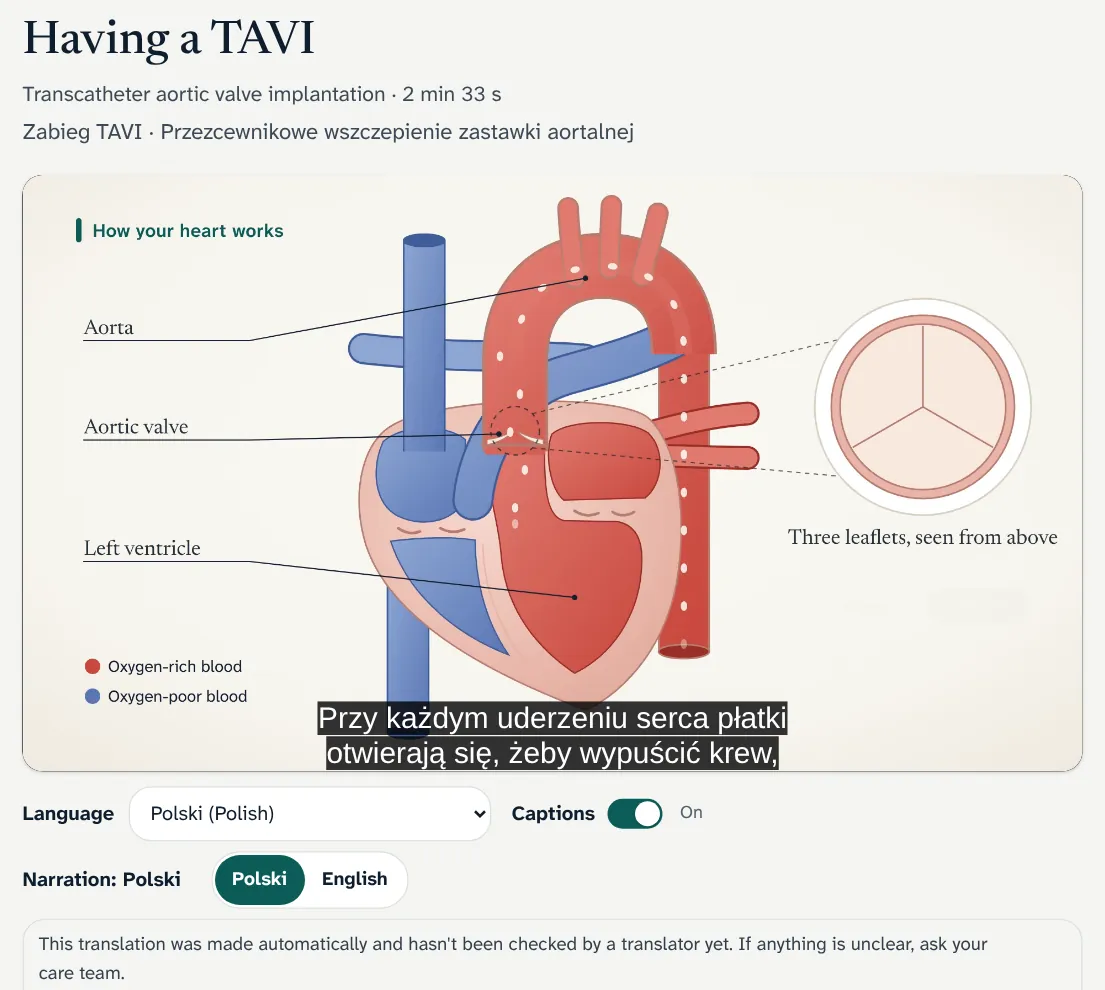
Films in the patient’s own language
38 short films explain heart procedures in plain English, with a transcript. The TAVI film has captions in 26 languages and spoken narration in 12.
Leaflets can be translated automatically into 26 languages. Until a translator has checked a translation, the patient is told so, in English and in their own language.
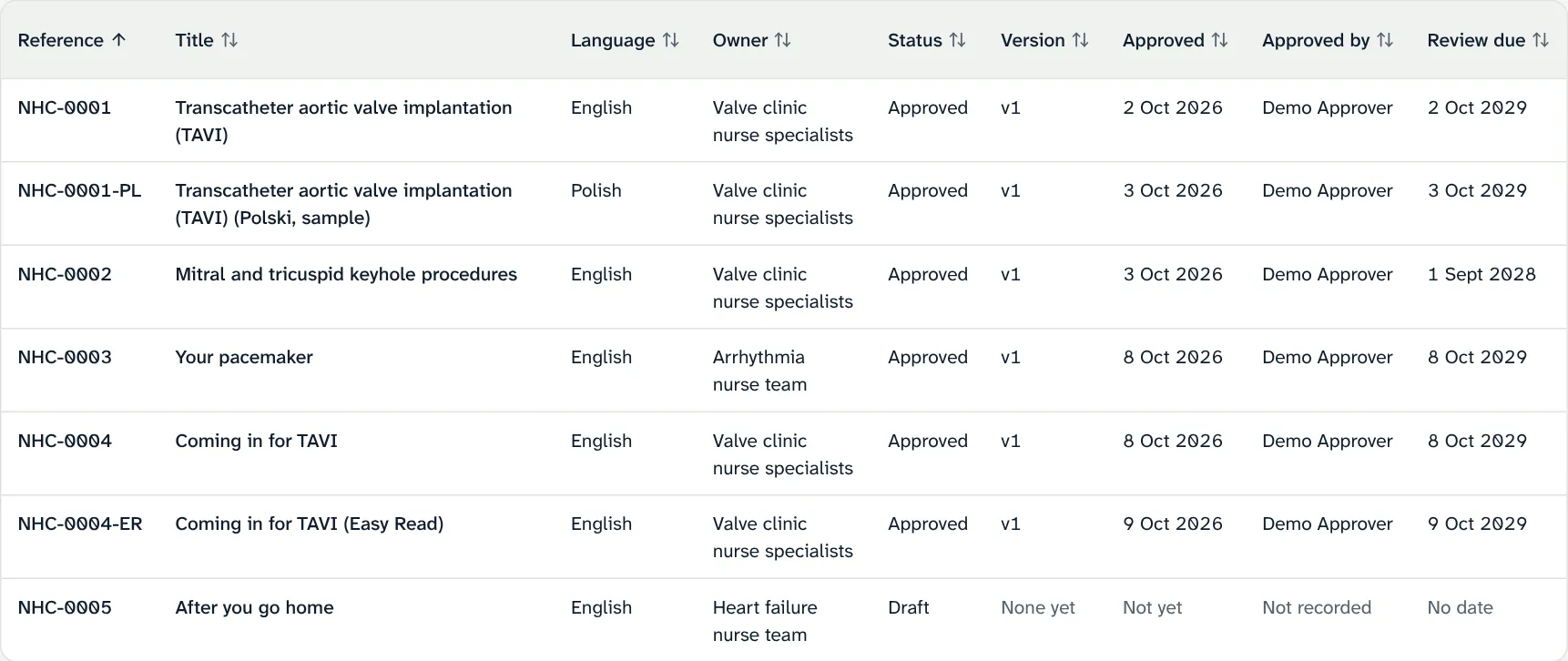
A register your governance team will recognise
Each leaflet has a reference, a version, an owner and a review date. A named approval officer signs it off, and a leaflet past its review date can’t be sent to print.
Download the register as a CSV file or print it as a board report.
Also built in
Print ordering
Order printed copies. Printing starts only after your centre approves the printer’s proof.
QR codes
The printed leaflet carries a code for the latest version, which patients can listen to, and one for the film.
E-leaflets
Short screens with moving pictures, check questions and a timeline, emailed to the patient.
Version history
Every version is kept, with who changed it and who approved it, for as long as your centre uses Leaflet Desk.
Piloting with NHS heart centres
We’re starting with a small number of NHS heart teams on a free three-month pilot. If your department writes its own patient information, we’d like to show you how it works.
Pricing
Plans for a department, a heart centre or a whole trust, with a free pilot to start.
Per year, excluding VAT.
Department
One specialty getting started.
£3,500 per year, excluding VAT
- One specialty
- Up to 10 staff
- The full template library
- E-leaflets, QR codes and patient films
- Approval workflow
Centre
A heart centre or a whole hospital.
£9,500 per year, excluding VAT
- Unlimited departments and staff
- Document register
- Sign-off setting for automatic translations
- Easy Read versions
- Spoken narration in films
- Priority support
Trust
Trusts with more than one site.
From £24,000 per year, excluding VAT
- Multiple sites
- Microsoft sign-in
- Usage reports
- Onboarding for each site
- A named contact
Add-ons: set-up and training £1,500 (waived for early adopters). Local procedure films from £1,500.
Free 3-month pilot for early NHS partners.